
Top SQL Client Tools for Efficient Coding
Read Time:6 Minute, 6 Second
SQL work is a constant task for many tech roles. The experience, however, depends heavily on the software you use. Today’s needs go beyond a simple query window. You need something that’s fast, intelligent, and works across various database systems.
Choosing the right client has a direct impact on productivity. It can save significant time and reduce errors. Here is a breakdown of key considerations and a review of the leading tools available.
What a SQL Client Tool Means Today
The idea of a SQL tool has completely changed. It evolved past being a simple query box. Today, it’s a unified control panel. It combines a full-featured code editor with full admin controls, deep performance tools, and features built for team workflow.
This creates something useful: a common hub. It bridges the gap between different roles—the coder, the admin, the analyst. The support it offers is smart and continuous, covering the entire lifecycle of a piece of work from inception to deployment.
Why Native Tools Are Not Enough for Efficient Coding
Native tools are built for database administration, not for coding. They handle server-level tasks perfectly. For writing lots of SQL, they’re a bottleneck.
You feel the limitations quickly: the editor is bare-bones, managing multiple scripts is a hassle, and there’s no real help with refactoring or tracking object usage.
The main problems for developers:
- Lacks modern IDE features (smart completion, safe refactoring, project organization).
- Ignores team workflow (no built-in Git, hard to share and deploy scripts).
- Tied to one database system, which hurts if you work with multiple platforms.
In practice, this means using two tools: the reliable native client for admin work, and a more powerful SQL IDE for the actual development work.
What Efficient SQL Coding Actually Requires
The difference between frustrating SQL sessions and efficient ones depends on whether the tool includes these features:
- Schema-aware code completion that recognizes tables, columns, foreign keys, views, and materialized views — not just basic keyword suggestions.
- Real-time error detection before running a query, plus basic cost or performance estimates to avoid running expensive operations in production.
- Version control integration that supports saving, tracking, and sharing queries as part of normal development.
- Consistent support for multiple database systems so you can work with Snowflake, SQL Server, PostgreSQL, or others without major adjustments.
- Automatic formatting and refactoring tools, including safe column or table renames across scripts.
- Built-in options to view and export results — charts, CSV files, JSON — directly in the client.
- Connection security with SSH tunneling, encrypted credential storage, and session timeouts.
Missing several of these features means more time is spent dealing with the tool than with the actual data work.
Where Professionals Write SQL: Best Client Tools
Choosing an SQL client is a practical decision. It depends on your tech stack, team workflow, and budget. The right tool can make the difference between smooth sailing and constant frustration. Here’s a look at the top options professionals actually use.
dbForge SQL Tools
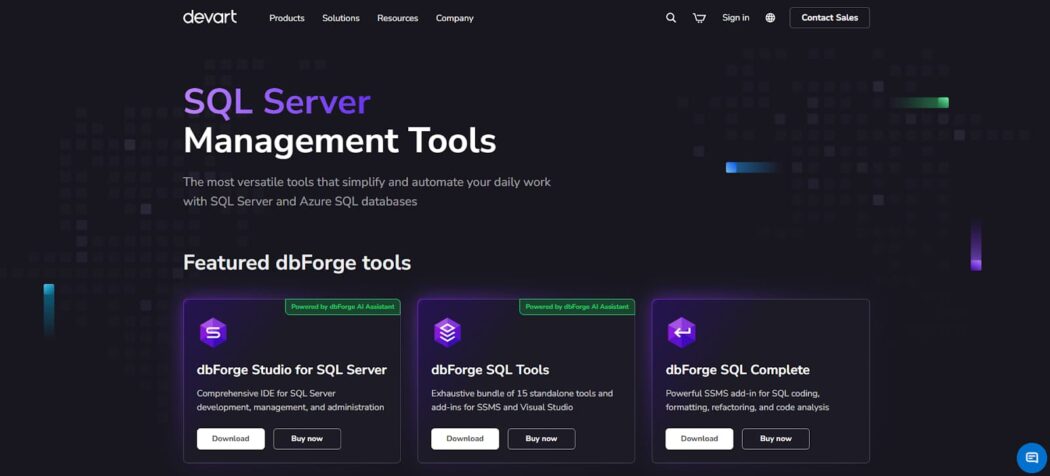
dbForge SQL Tools, created by Devart, is a powerful suite of SQL client tools designed for SQL Server professionals. It extends the capabilities of SSMS and Visual Studio by adding a comprehensive set of features.
This turns the basic editor into a robust SQL workshop focused on writing efficient and reliable T-SQL. The integrated approach provides everything needed for database development—from debugging to schema management—in one place, streamlining the daily workflow.
Key Features:
- Context-aware code completion for tables, columns, and joins.
- Step-through debugger for stored procedures/functions.
- Automatic SQL code formatter.
- Safe refactoring: rename objects/variables across scripts.
- Schema comparison and synchronization scripts.
- Reusable code snippets and templates.
- Query profiling and execution plan analysis.
HeidiSQL
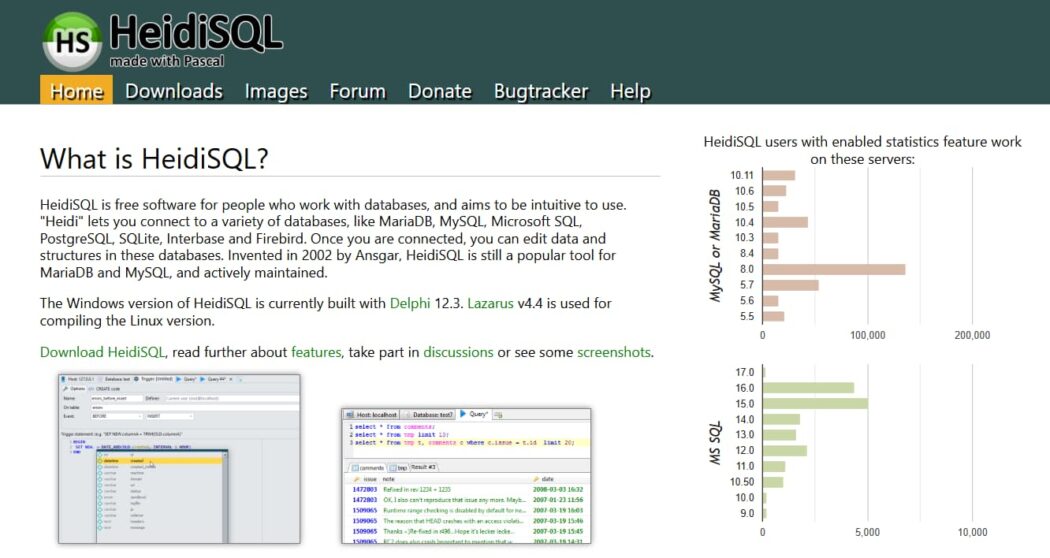
HeidiSQL stands out for its simplicity and zero cost. It is a capable, free, open-source database client that has gained a strong following. Its primary advantage lies in supporting multiple database systems — MySQL, MariaDB, PostgreSQL, and SQL Server — within a single application.
The interface remains clear and graphical for most operations. Designed to stay lightweight, the tool performs especially well for rapid data editing, exploration, and routine administrative tasks, without the added complexity found in larger enterprise solutions.
Key Features:
- Single interface for MariaDB, MySQL, PostgreSQL, and SQL Server.
- Spreadsheet-style direct editing of table data.
- Built-in SSH tunneling for secure remote access.
- Instant SQL formatter for code cleanup.
- Graphical tool for user and permission management.
- Data import/export (SQL, CSV, HTML, XML).
- Bookmarks and quick access to frequent objects.
- Server monitoring of processes, variables, and stats.
DataGrip
For developers who manage multiple database systems, DataGrip by JetBrains offers a professional-grade SQL environment. It brings the same level of intelligent code analysis to SQL that JetBrains is known for in other languages.
Key features include advanced refactoring, thorough error detection, and navigation that understands your database schema. This paid tool is built for precision, making it a valuable asset for complex work in heterogeneous database setups.
Key Features:
- JDBC connectivity to virtually any database.
- Schema-aware, context-sensitive code completion.
- Safe refactoring and cross-file object usage tracking.
- Visual schema diff and sync script creation.
- AI-powered query explanation and generation.
- Advanced in-grid data editing and filtering.
- Data import/export for CSV, JSON, and Excel formats.
- Tabbed query console with full history and parameters.
pgAdmin
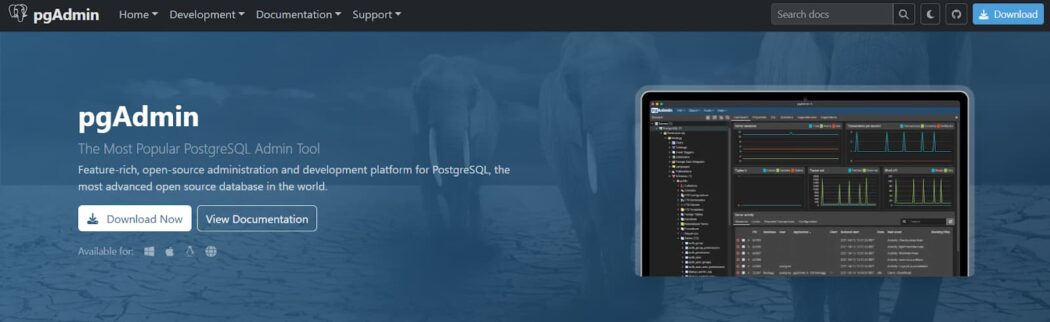
When your world revolves around PostgreSQL, pgAdmin is the definitive tool for the job. As the official open-source management and administration platform, it offers unparalleled depth and control over your Postgres servers, from single instances to complex, versioned clusters. It combines a comprehensive web-based interface with the full feature set required by both developers and DBAs.
Whether you’re writing a quick query, designing a complex schema with its diagramming tool, or scheduling maintenance jobs, pgAdmin provides a reliable and feature-complete environment built specifically for PostgreSQL.
Key Features:
- Official GUI for all PostgreSQL versions, including Amazon RDS.
- Visual query plan analysis for optimization.
- Built-in tool for ERD diagram design.
- Debugger for Pl/pgSQL procedures and functions.
- Schema comparison and sync.
- Job scheduling via pgAgent.
- Backup and restore management.
- Real-time server performance dashboard.
SQL Server Management Studio
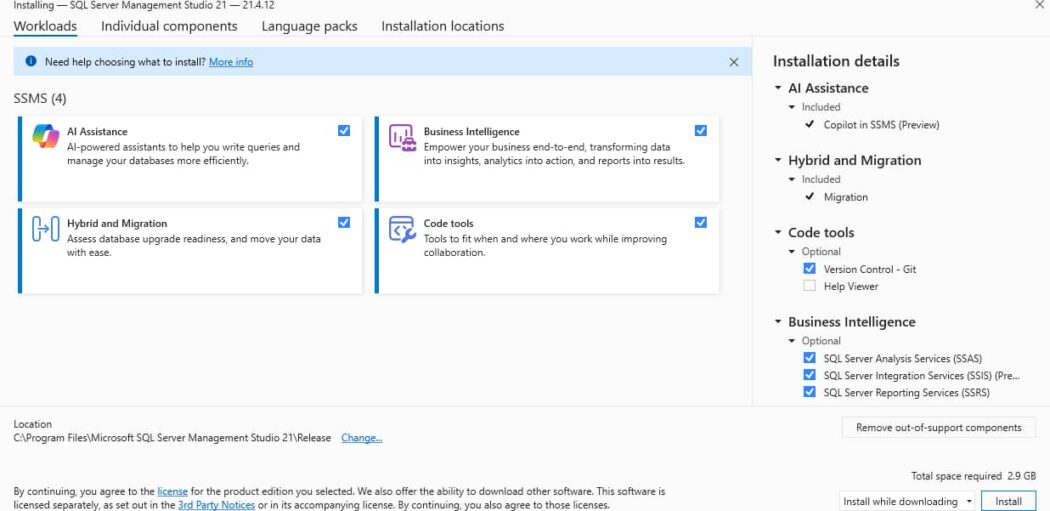
For managing Microsoft SQL Server and Azure SQL, SSMS is the standard tool from Microsoft. It’s free and comprehensive, used daily by countless DBAs and developers. It offers deep, native integration with the SQL Server engine for complete control over configuration, security, and performance. While the interface is dense and the tool is Windows-only, its reliability and wide range of features make it essential for anyone working with the Microsoft data platform.
Key Features:
- Official Microsoft support for all SQL Server and Azure SQL features.
- T-SQL IntelliSense with code completion and parameter info.
- Detailed graphical execution plans.
- Object Explorer to create/script/manage database objects.
- Real-time monitors, reports, and extended events.
- Integrated T-SQL debugger.
- Source control via Git or TFVC.
- Data import/export across formats and sources.
Conclusion
Your SQL client matters. It affects your speed and how easily you can work with others. Some tools are fast. Others are great for teams. Some connect to many databases, while others are specialized. Figure out what you do most, then pick a tool that does that well. Test a few to find the right fit.

Happy
0 %

Sad
0 %

Excited
0 %

Sleepy
0 %

Angry
0 %

Surprise
0 %
 0
0
 0
0


Average Rating