Top 7 AI Photo Restoration Tools for Old and Damaged Pictures
Read Time:7 Minute, 13 Second
Old photos degrade in distinct patterns. The damage is rarely uniform. Some prints show deep scratches and material stains from physical wear. Others have faded, their colors washed out by decades of light. Different images suffer from the blur and noise of early digital scans. No single tool masters every type of flaw. Each service in this list demonstrates strength in a specific, narrow scenario. Your job is to match the problem to the specialist.
What Makes One Restoration Tool Different From Another
These tools are not interchangeable. They differ in their algorithmic focus. Some are built to recognize and reconstruct physical tears. Others excel at suppressing digital grain or guessing plausible colors for a black-and-white scene. This specialization dictates their performance. Using a colorization tool on a scratched photo is a waste of time. The output will be a colored scratch. Understanding this core difference is the first step to a successful restoration.
Main Types of Problems These Tools Address
Software is trained on specific data. A model fed thousands of scratched prints learns to patch. One trained on faded images learns to stretch contrast. Their capabilities are not broad; they are deep in one area. This creates a clear map of which tool to use and when. We can categorize the primary restoration challenges into five groups:
- Physical damage such as scratches, cracks, and stains;
- Fading and washed-out contrast;
- Blur and softness from poor scans;
- Heavy digital noise and grain;
- Lack of realistic color in monochrome images.
The following seven tools each address one or two of these problems effectively. They often fail on the others.
1. Renew Photo
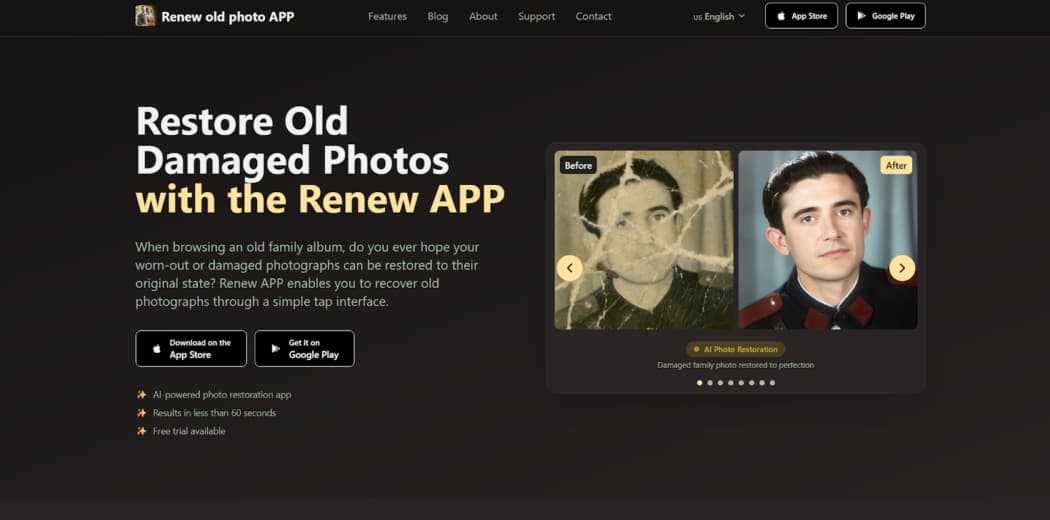
Renew Photo is for structural damage on physical prints. Its algorithm treats the image like a torn canvas. It identifies interruptions in the surface such as scratches, cracks, and spots, then attempts to rebuild them by sampling the surrounding area. This is a reconstruction task, fundamentally different from simply adjusting brightness or saturation. It’s for photos where the material itself is compromised.
Where It Performs Best
The tool prioritizes mending the image plane. It works to make the photograph whole again before considering any aesthetic enhancement. Its process is methodical, focusing on integrity over beauty.
Its competence is clearly defined for these tasks:
- Repair of scratches and surface defects;
- Reconstruction of damaged tonal areas;
- Recovery of faded contrast;
- Optional colorization support.
It succeeds with isolated, clear damage. Complex natural textures like fur or foliage can trip it up, resulting in odd, repetitive patterns. Large missing sections pose the biggest challenge. The AI will fill the gap, but the fill often looks like a smudged, context-free guess.
2. RetroFix
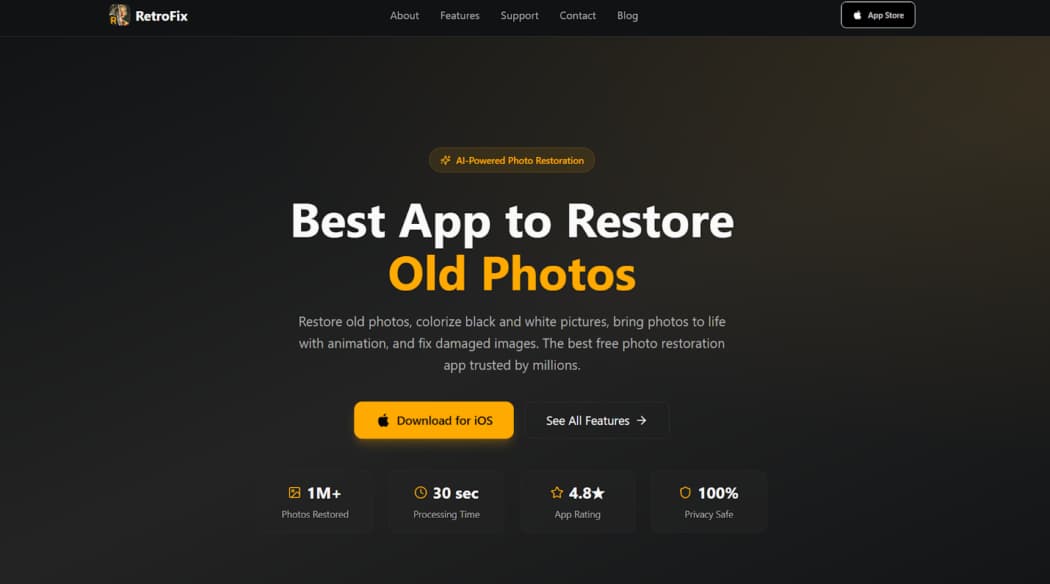
RetroFix is designed for visual speed. It’s not a deep restorer. Use it when a photo just looks dull, and you need a better version for a screen, fast. The service applies a universal set of one-click enhancements. Think of it as a “beautify” button for old pictures. There is no manual control, no defect-specific analysis. It’s about immediate, broad improvement.
Typical Automated Adjustments
The software makes the same basic edits to every image. It doesn’t look for problems; it just applies a formula designed to make most photos pop.
You can reliably expect this uniform treatment:
- Global brightness and contrast boost;
- Automatic sharpening;
- Quick AI colorization;
- One-click processing.
You get a brighter, sharper picture in seconds. The trade-off is a lack of precision. Oversmoothing is common, giving skin a plastic, artificial texture. The automatic color can be wildly off, turning a grey coat purple or a brown field an unrealistic green.
3. VanceAI
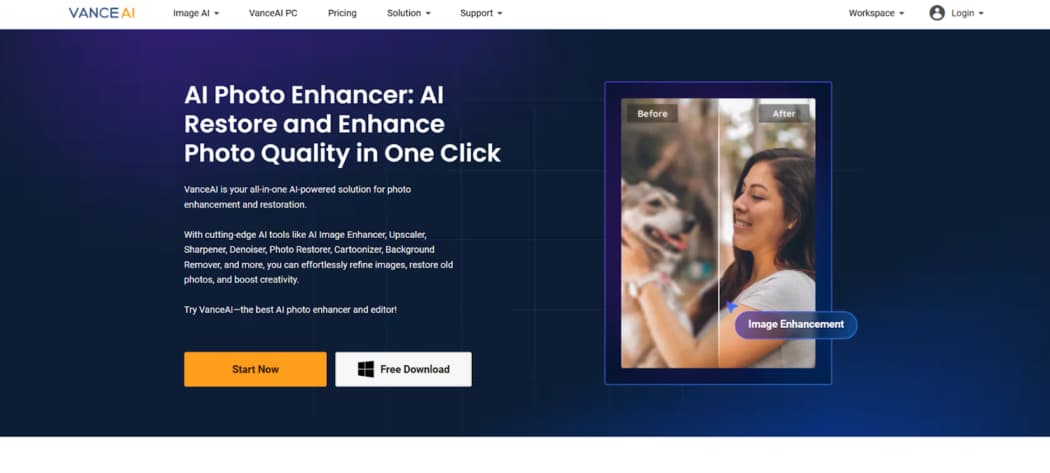
VanceAI Photo Restorer attempts combined processing. It tries to both repair defects and enhance overall quality in a single automated pass. This makes it useful for photos that are both physically damaged and of poor digital quality, such as a scratched, noisy, and faded scan. It’s a heavier tool for more complicated cases.
Combined Processing Strengths
The model works in stages, but outputs one aggressively cleaned image. It’s trying to fix and improve simultaneously, which can yield dramatic results but also significant alteration of the original character.
Its processing applies several corrections at once:
- Scratch and defect removal;
- AI-based color correction;
- Detail and sharpness enhancement;
- Broad repair across multiple defect types.
The main pitfall is overprocessing. The algorithm can erase all natural film grain and fine texture, leaving surfaces looking unnaturally smooth and synthetic. The photo might look clearer but also less authentic, like a digital painting of itself.
4. Nero AI
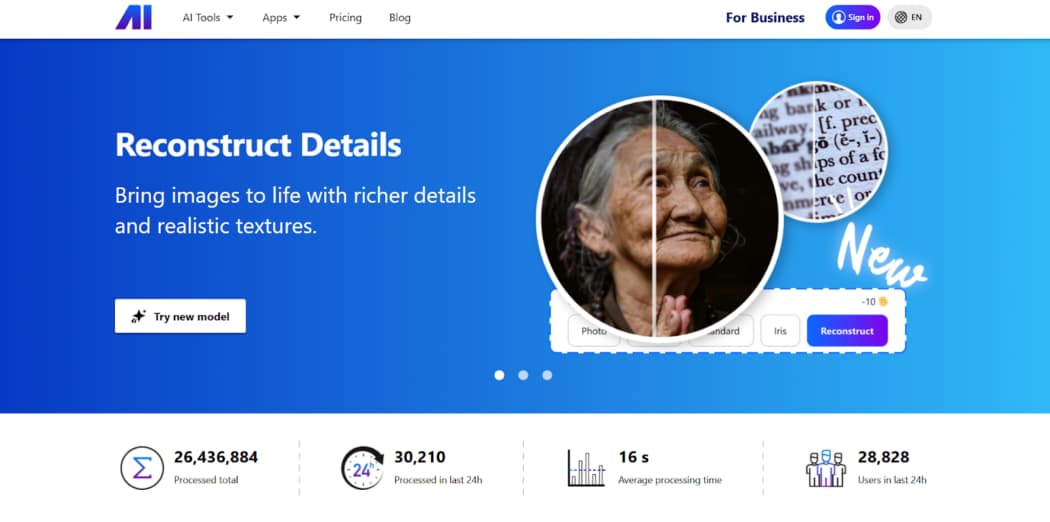
Nero AI is for heavily degraded images. It employs an aggressive enhancement profile aimed at photos in very poor condition. The tool doesn’t just clean; it actively reconstructs and amplifies detail that may be barely visible. This approach can rescue seemingly lost pictures but introduces a high degree of AI interpretation.
Heavy Enhancement Profile
The software makes strong, sometimes drastic, decisions to maximize clarity and impact. It prioritizes a visually striking result over faithful conservation. This is a tool of last resort for very bad inputs.
Its method involves intense correction:
- Strong defect suppression;
- Contrast and tone reconstruction;
- Detail amplification;
- Processing of very low-quality inputs.
The output often has a synthetic appearance. Fine details can look invented, textures may appear plastic, and faces can take on a waxy, doll-like quality. It works when the priority is salvage and legibility above all else.
5. AIEnhancer
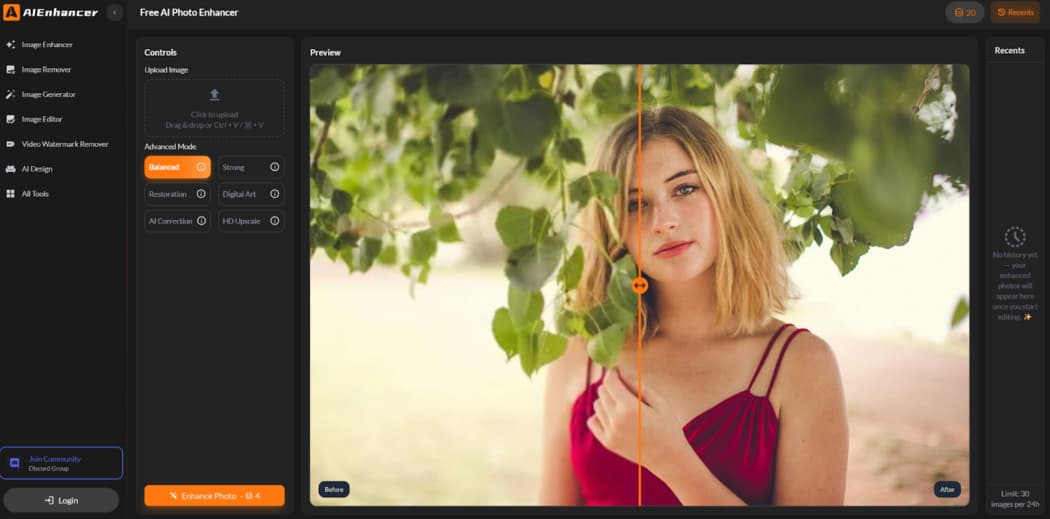
AIEnhancer focuses on digital quality issues. It is engineered for problems inherent to the file, not the original print. Use it for scans plagued by noise, grain, or soft focus. The photo should be structurally sound but technically weak. This free browser tool applies filters for clarity, not for physical repair.
Digital Cleanup Focus
The service targets pixel-level imperfections. It works to suppress random noise, sharpen blurred edges, and balance the overall tone. Its goal is a cleaner, more defined version of the existing digital information.
Its specialized function set includes:
- Noise and grain reduction;
- Detail recovery in soft areas;
- Automatic tone balancing;
- Fast browser workflow.
Its limitation is absolute: it does not repair physical defects. A scratch or stain will remain completely intact after processing. It is the wrong choice for anything other than digital cleanup.
6. ImageColorizer
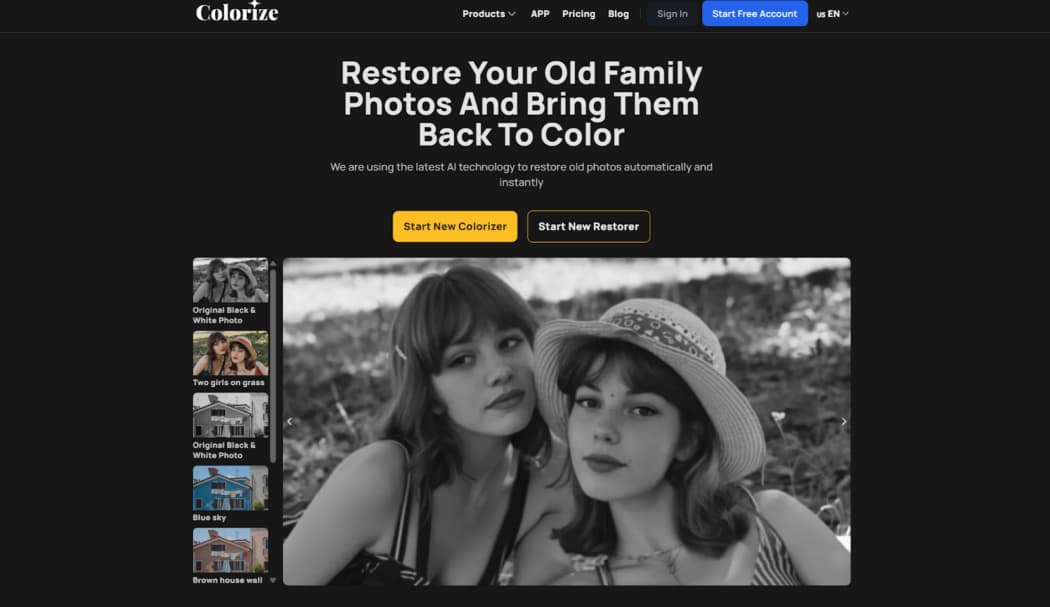
ImageColorizer is a color specialist. Its primary function is adding plausible, naturalistic color to black and white photographs or reviving faded color in old prints. The algorithm is trained to recognize objects and apply context-aware hues. It’s for when the central problem is a lack of color, not the presence of damage.
Color Restoration Capabilities
The tool analyzes the semantic content of an image before applying color. It tries to understand what a region represents, such as sky, skin, or grass, in order to make more informed color decisions. This allows for more believable results than a simple tint.
Its competency lies in tonal and chromatic revival:
- Natural-looking AI colorization;
- Recovery of faded color tones;
- Skin tone enhancement;
- Suitable for black-and-white originals.
It is not a repair tool. Any physical damage on the original will be colorized along with everything else. You will get a colored scratch or a colored stain. Its value is singular and specific.
7. PhotoBooth
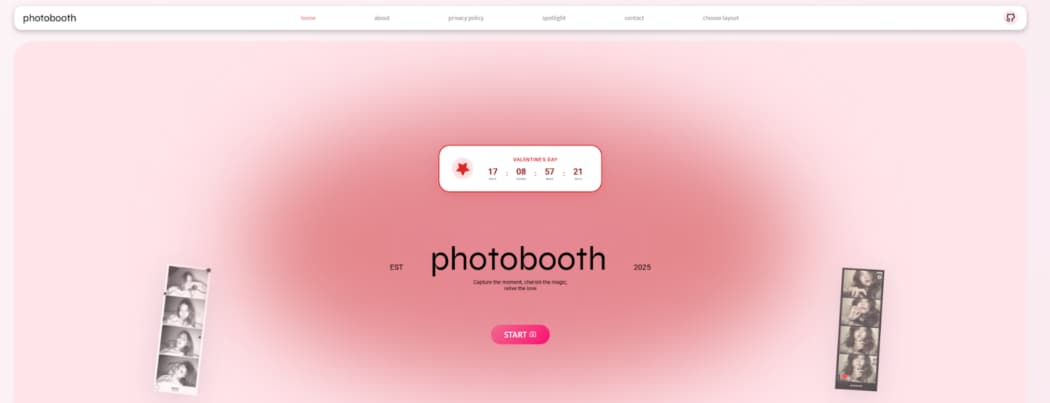
PhotoBooth is minimal browser-based maintenance. It’s for photos with the most basic issues: slight overall fading, minor dust, and general dullness. You need a quick brightening for screen viewing and nothing more. This free tool offers superficial corrections with zero complexity.
Lightweight Correction Scope
The adjustments are elementary and applied uniformly. The software gives the image a minor contrast bump and reduces the most obvious specks. The process is instant because the changes are so shallow.
Its scope is strictly limited to cosmetic touch-ups:
- Basic fading correction;
- Minor blemish smoothing;
- Simple upload and download workflow;
- Output optimized for screens.
It is not a solution for any real damage. A crack or large stain will be wholly unaffected. Honestly, it’s only for giving a decent photo a slight lift for digital sharing. For anything else, it’s practically useless.
Final Takeaways
There is no “best” tool. The choice is a direct function of the primary defect. For physical scratches and tears, Renew Photo is the structural specialist. RetroFix delivers a fast visual refresh when deep restoration isn’t needed. VanceAI offers combined repair and enhancement for multi-issue photos.
Nero AI provides aggressive, last-ditch enhancement for severely degraded images. AIEnhancer handles digital noise and softness in otherwise intact files. ImageColorizer specializes exclusively in adding believable color. PhotoBooth performs the simplest browser-based brightening. Match the problem to the profile. Your result depends on it.

Happy
0 %

Sad
0 %

Excited
0 %

Sleepy
0 %

Angry
0 %

Surprise
0 %
 0
0
 0
0


Average Rating